Blogs
Bookkeep Now Works with Claude
You can now connect Bookkeep to Claude and run your accounting automation by asking in plain English.
October 23, 2026
0
min reading time

Blogs
Starting today, you can connect your Bookkeep account to Claude and run your accounting automation just by asking. Check whether last month’s journal entries posted, fix a mapping, or open a support ticket in plain English, without logging in or clicking through screens.
Bookkeep already takes the manual work out of revenue accounting, deposit reconciliation, sales tax and inventory for Shopify and Toast merchants. The Bookkeep connector for Claude, built on the Model Context Protocol (MCP), takes the next step: it lets an AI assistant work inside your Bookkeep account alongside you.
It’s the fastest way yet to get your finance operations ready for 2027.
What you can do
Once connected, Claude can see and act on the same things you manage in Bookkeep today.
- Confirm your books are complete. Ask whether every journal entry posted for a date range, see which entries are stuck, and find out why.
- Review and fix mappings. Look at how a sales channel, payment type or tax is mapped to your chart of accounts, change it, and see who changed what and when.
- Get AI mapping suggestions. Have Bookkeep suggest mappings for unmapped lines, review them with Claude, and apply the ones you want.
- Keep connections healthy. Check which connections have errors, review recent sync runs, and refresh your chart of accounts after you add an account in QuickBooks, Xero, NetSuite or Sage Intacct.
- Pull reports and billing. View reconciliation reports and check your plan and billing.
- Handle support without leaving the conversation. Open a ticket or reply to one that’s already open.
- Draft purchase orders. Bookkeep Inventory customers can have Claude draft purchase orders.
- Get answers fast. Search Bookkeep’s help docs for how-tos and setup guides, right inside Claude.
Month-end close, in a few questions
Here’s what closing the month can look like with Bookkeep and Claude working together.
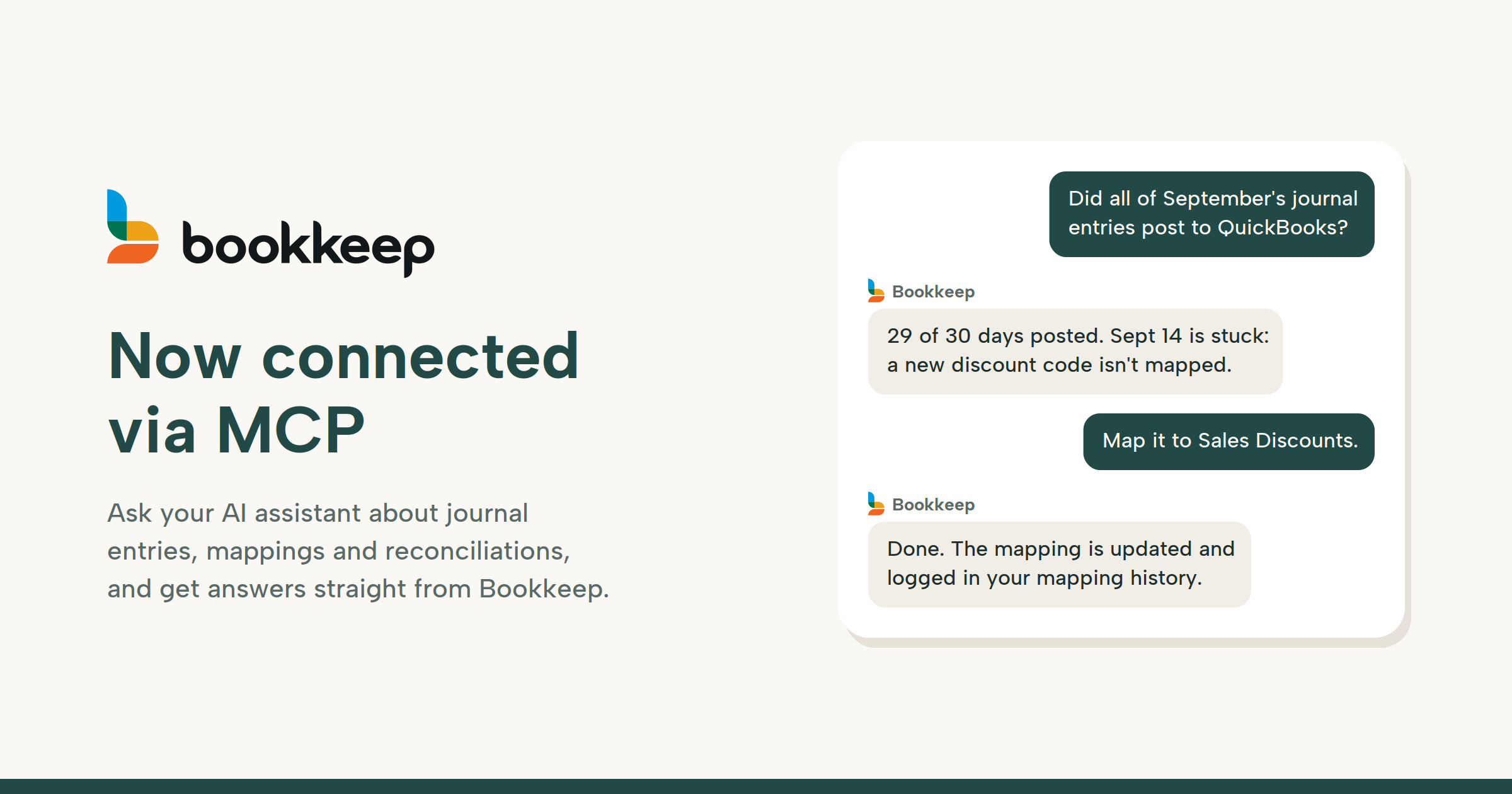
- “Did all of September’s journal entries post to QuickBooks?” Claude checks completeness for the month and tells you which days are done and which aren’t.
- “Why didn’t September 14th post?” Claude opens the entry and explains the problem, such as a new discount code that isn’t mapped to an account.
- “Map that discount code to Sales Discounts.” Claude updates the mapping, and the change is recorded in your mapping history.
- “Is my Shopify connection healthy?” Claude checks the integration and recent sync runs so you know nothing else is waiting.
- “Something still looks off with last week’s Shopify Payments deposits. Open a ticket with support.” Claude writes up the issue with the details and sends it to our team.
What used to be an afternoon of clicking through screens becomes a short conversation.
Who it’s for
Merchants and operators get quick answers about their books without waiting on anyone or learning another dashboard.
Controllers and finance teams at multi-location brands can check close status, track down exceptions and keep mappings clean across entities in one place.
Accountants and bookkeeping firms managing many Bookkeep clients can check each client’s status by asking, instead of logging in and out of accounts one by one.
You stay in control
Access is switched on per user by Bookkeep. Everything the assistant does runs as you, with the same permissions you have when you sign in to Bookkeep, and every action is logged.
When you connect, an approval screen shows exactly what the assistant can do, with read-only access listed separately from permission to make changes such as mapping edits, account refreshes and support tickets. Before any change, the assistant shows you what it’s about to do and waits for your confirmation.
Sign-ins expire after 14 days, and you can revoke a connected assistant at any time from your Bookkeep account.
Get started
MCP access is available on request. Here’s how to get set up:
- Request access. Email support@bookkeep.com or open a ticket in your Bookkeep account and ask for external MCP access, listing the email address of each user who needs it. Bookkeep Inventory customers can also ask for inventory tools.
- Add the connector. In Claude, go to Settings, then Connectors, click Add custom connector, and enter the name Bookkeep and the URL https://app.bookkeep.com/mcp.
- Approve the connection. Click Connect, sign in to Bookkeep, review the approval screen and click Approve.
- Start asking. Try “Which of my connections have errors this week?”
The connector also works with Claude Code, Cursor and other MCP clients. See the full setup guide for every client, or reach out to your Bookkeep account manager and we’ll walk you through it.
This is the first step toward finance operations you can run by conversation. We’d love to hear what you use it for and what you want it to do next.

%201.svg)
You may also be interested some of our other

Blogs
Blogs
July 27, 2026
Calculate Revenue Per Guest with Bookkeep's New Guest Count Journal Entries
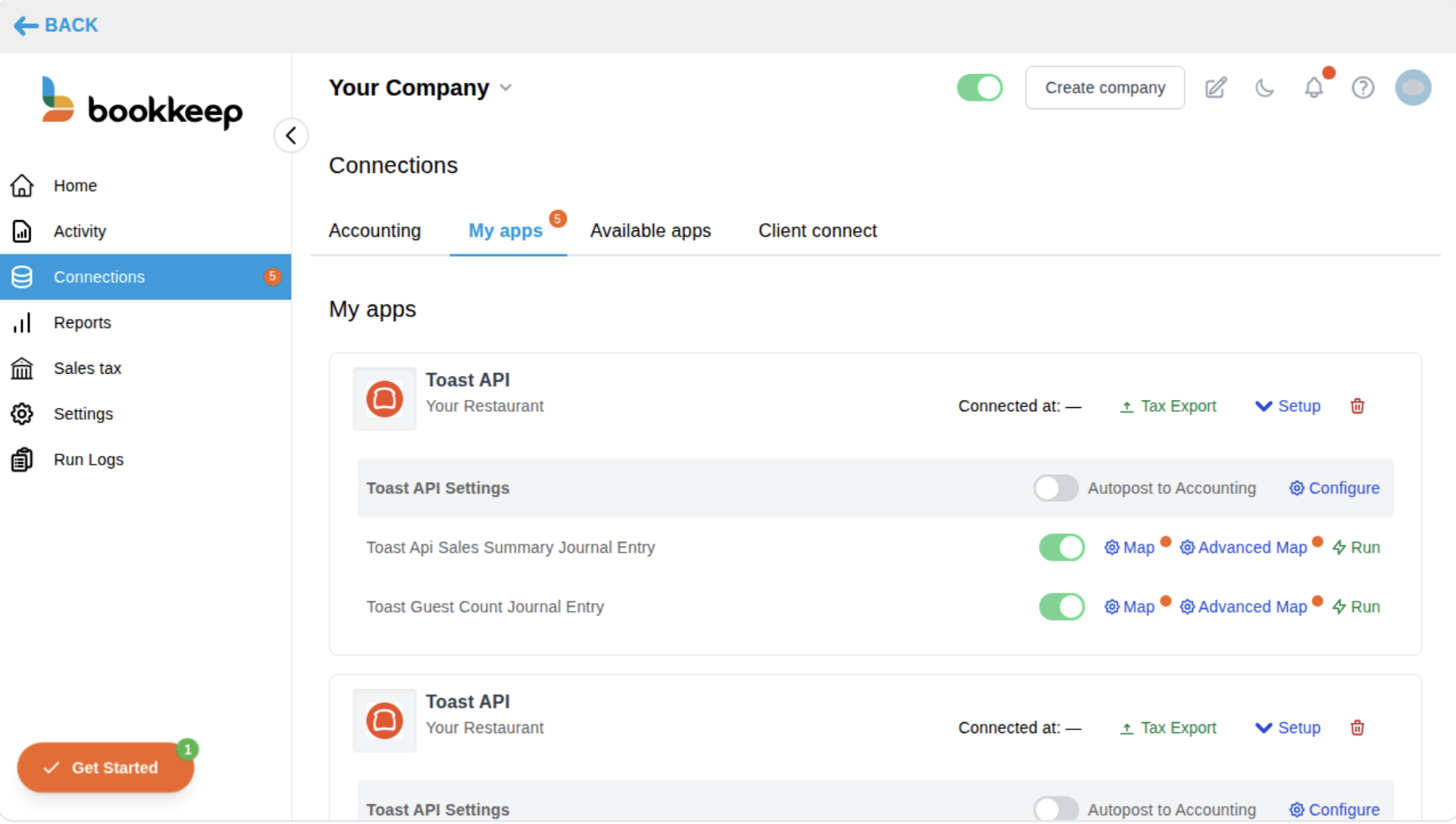
Bookkeep can now post the guest count reported by your Toast locations to your accounting platform as its own journal entry — automatically, every night, right alongside your existing Toast sales summary postings.
Read More
No items found.
Blogs
Blogs
%20%C2%B7%20Shopify%202026-07-13.gif)
July 13, 2026
Stocky is going away. Here's what to actually look for in a replacement.
Shopify is retiring Stocky on August, 31st, 2026 and you're now shopping for a replacement. This post is the checklist we wish existed: what to evaluate, what to ignore, and the questions to ask any vendor (including us) before you commit.
Read More
No items found.
Blogs
Blogs

April 16, 2026
Bookkeep Launches Integration with Dutchie to Automate Revenue Accounting and Deliver Accurate Financials to Cannabis Retailers
Bookkeep connects your Dutchie POS system to your accounting platform, automating daily journal entries for sales, COGS, refunds, and more — delivering accurate, accrual-based financial records without manual data entry.
Read More
No items found.
Blogs
Blogs
February 12, 2026
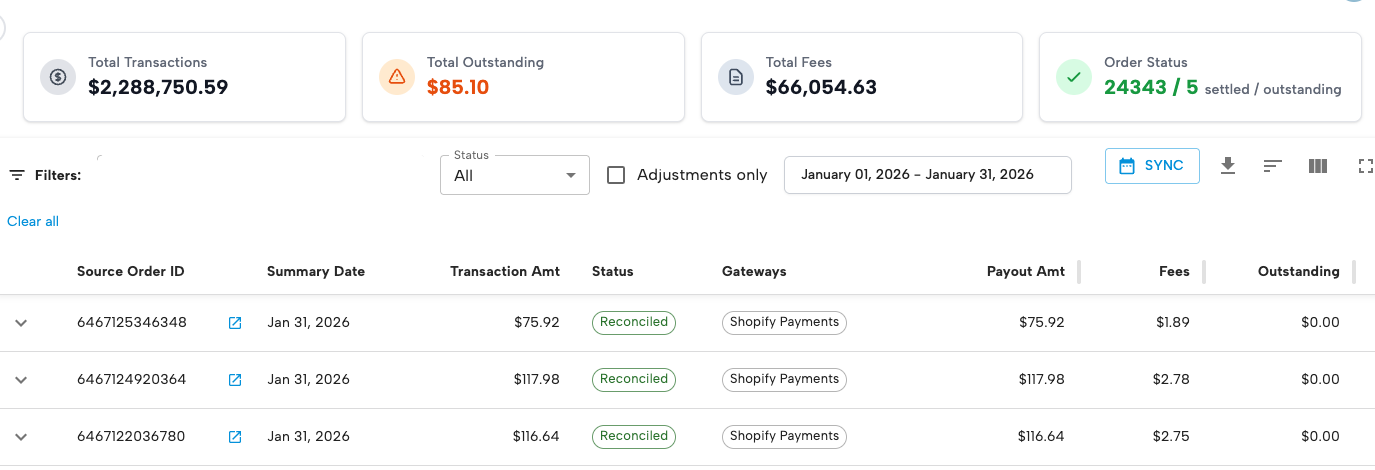
Introducing Sales Tax Registrations: Guided Sales Tax Registration with Ongoing Filing Support
Bookkeep now guides merchants through state sales tax registrations and then manages ongoing filing and remittance — ensuring accurate, compliant setup from day one.
Read More
No items found.
Blogs
Blogs
February 12, 2026
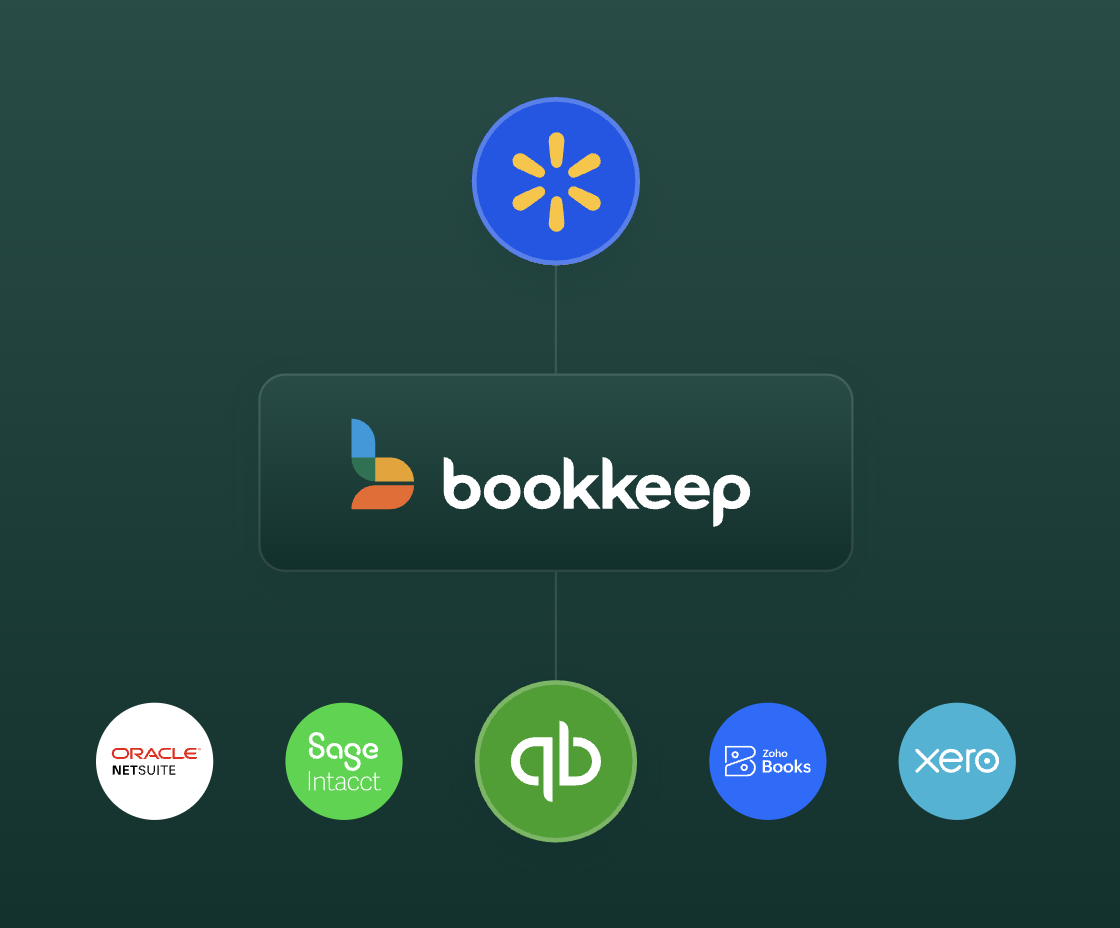
Managed COGS for Walmart: Accurate Gross Margins Without an Inventory System
Walmart sellers can now input product costs directly within Bookkeep to automate COGS posting and improve gross margin reporting — without needing a standalone inventory management system.
Read More
No items found.
Blogs
Blogs

December 17, 2025
2025 Bookkeep Year in Review: Top Product Launches For Financial Clarity
Here's a rundown of all of the major product features we shipped in 2025, all with one goal in mind: helping finance teams reconcile faster, close with confidence, and scale without adding complexity.
Read More
Accounting
Strategy & Growth
Operations
Blogs
Blogs
December 8, 2025
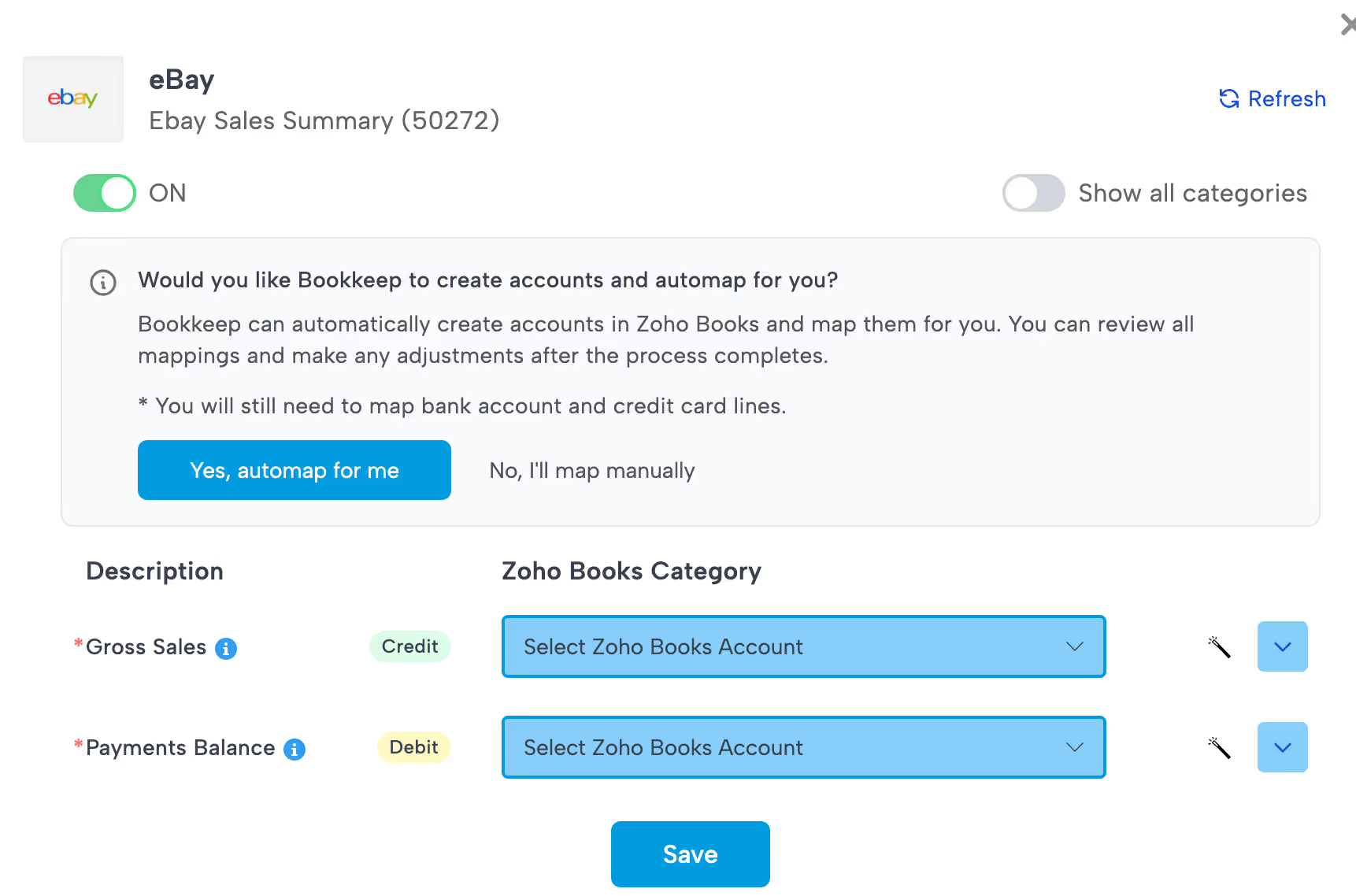
Save Hours on Setup with Bookkeep’s Chart of Accounts Automap Feature
The Chart of Accounts Automap feature from Bookkeep is more than just a convenience — it’s a real productivity and accuracy booster. For any ecommerce brand, retail store or accounting team using Bookkeep (with QuickBooks, Xero, or Zoho Books), this feature removes one of the biggest setup pains: manually building and mapping a clean chart of accounts. With Automap, you get a faster, more consistent path to fully automated, daily bookkeeping.
Read More
Accounting
Operations
Blogs
Blogs
July 14, 2025
Why Shopify Retailers Need Agencies to Migrate and Optimize Their Shopify POS Setup
For brick-and-mortar retailers making the leap to Shopify POS, the transition is about much more than just swapping out cash registers. It’s a strategic shif...
Read More
Operations
Strategy & Growth
Blogs
Blogs

July 8, 2025
Why Specialized Accounting Firms Are Winning Shopify and Ecommerce Clients
Shopify accounting is a category of its own. Firms that specialize—and automate with Bookkeep—are scaling faster, serving better, and standing out. As an acc...
Read More
Accounting
Strategy & Growth
Industry Insights
Blogs
Blogs
June 30, 2025
June Product Updates — Smarter Shopify Setup, Flexible Square Reporting, and Zoho Vendor Mapping
At Bookkeep, we’re constantly evolving our platform to align more closely with how ecommerce and retail merchants work. This June, we’ve delivered updates th...
Read More
Operations
Customer Success
Accounting
Blogs
Blogs
June 26, 2025
From Fragmentation to Financial Clarity: How Bookkeep Supports Shopify’s Vision for Unified Commerce
Retail is undergoing a seismic shift. As Shopify’s latest report, “Retail’s Digital Transformation: From Integration to Unification,” makes clear, the future...
Read More
Industry Insights
Strategy & Growth
Accounting
Blogs
Blogs
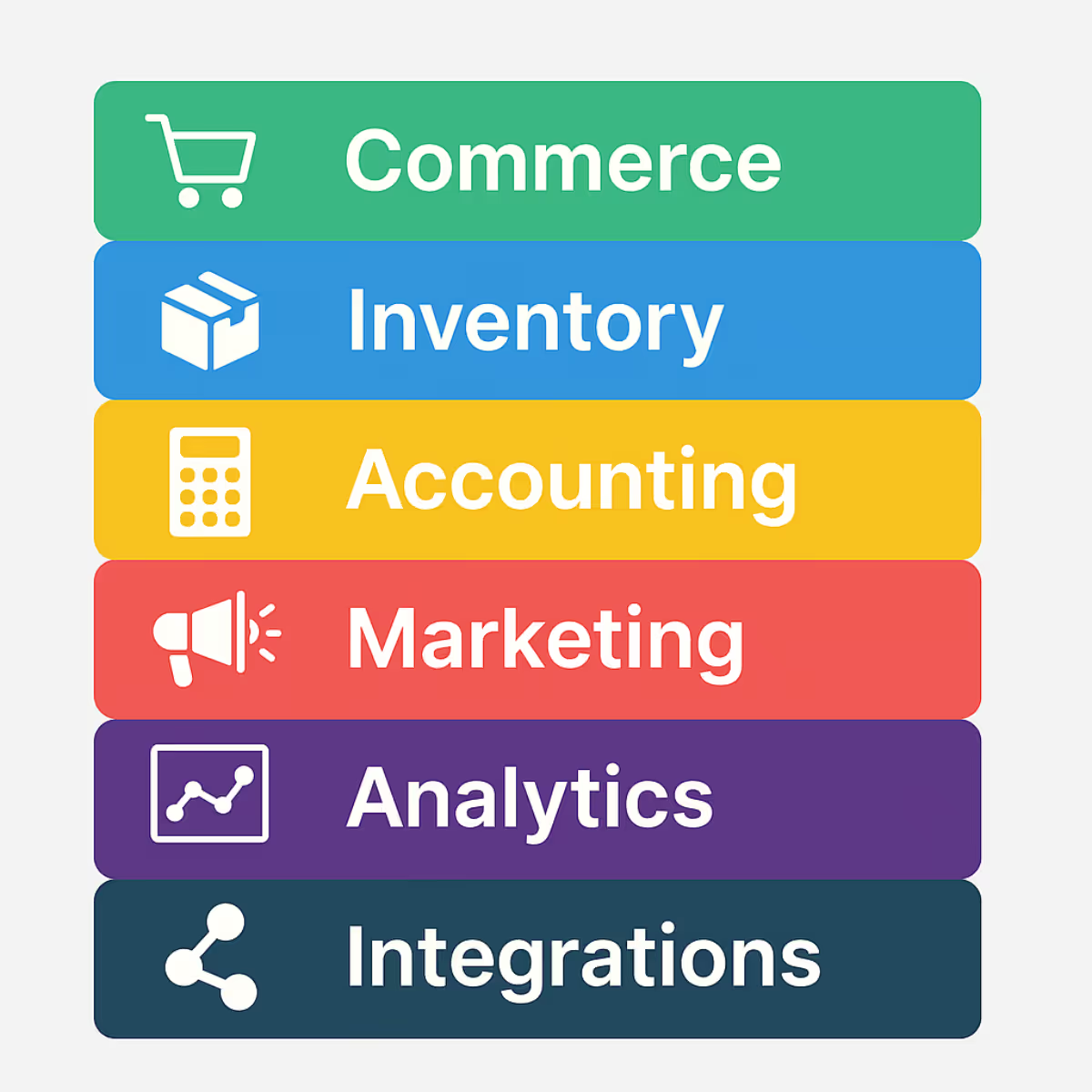
June 17, 2025
The Ultimate Shopify Agency Technology Stack: What Multi-Million Dollar Brands Really Need to Scale
As Shopify merchants grow past seven figures in revenue, their needs go far beyond a sleek storefront. They’re managing complex operations—across ecommerce, ...
Read More
Strategy & Growth
Operations
Industry Insights
Blogs
Blogs
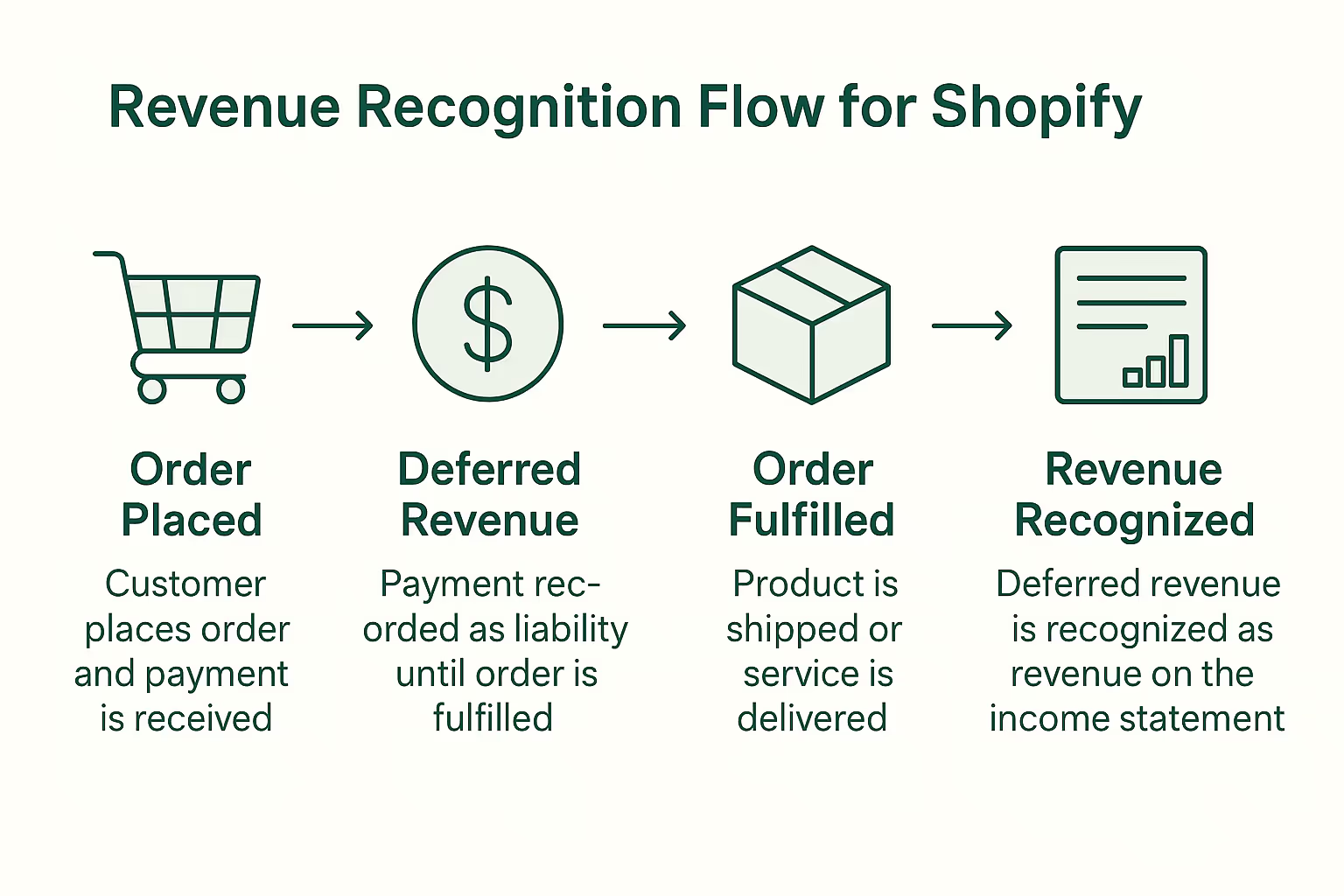
June 12, 2025
Revenue Recognition Best Practices for Shopify Brands: Stay Compliant & Confident
For fast-growing Shopify brands, understanding when and how to recognize revenue is more than an accounting technicality—it’s essential for compliance, cash ...
Read More
Accounting
Compliance & Legal
Industry Insights

Blogs
Blogs
June 5, 2025
Meet Our Trusted Shopify Agency Partners: Powering Financial Clarity for Merchants
At Bookkeep, we believe in empowering Shopify merchants with seamless, accurate accounting automation. But we know financial clarity doesn’t happen in a vacu...
Read More
Customer Success
Strategy & Growth



Blogs
Blogs

May 22, 2025
Bookkeep Recognized by Gartner with Multiple 2025 Awards for Integration Category And More
NEW YORK, NY, UNITED STATES, May 22, 2025 -- We are excited to share that Bookkeep , an accounting automation solution has been recognized with multiple awar...
Read More
Customer Success
Industry Insights

Blogs
Blogs
May 6, 2025
Accounting Automation: The Secret Weapon for Stress-Free Sales Tax Filings in Ecommerce and Retail
For ecommerce and retail brands, managing sales tax isn't just tedious—it’s a growing liability. With sales across multiple states, platforms, and tax jurisd...
Read More
Compliance & Legal
Accounting







Blogs
Blogs

September 18, 2024
Take Control of Your Books: Meet Our New Features for Shopify and Square Accounting Automation
As CFOs and accounting teams know, keeping books clean and accurate for Shopify and Square merchants can be a time-consuming, manual effort. Between reconcil...
Read More
No items found.

Blogs
Blogs
July 15, 2024
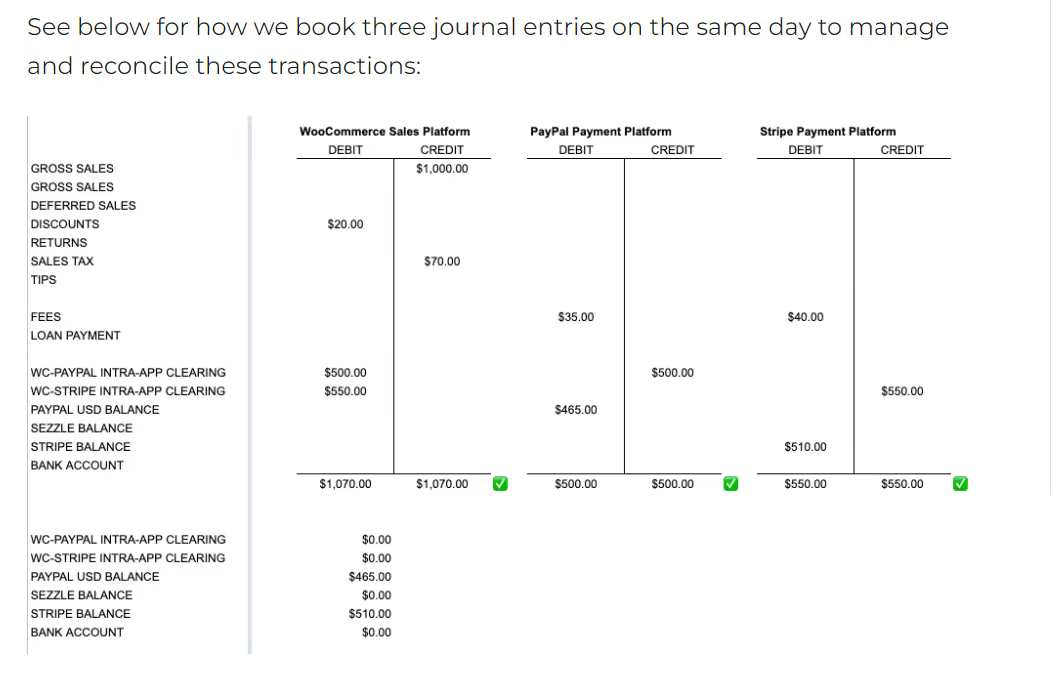
How to Avoid Double-Booking Revenues, when Using Shopify (or WooCommerce, or Amazon) and PayPal Together
Shopify and PayPal play so nicely together. Or, do they? The short answer is “Yes, they do”, but the longer more nuanced answer is that companies that use th...
Read More
No items found.

Blogs
Blogs

June 18, 2024
Bookkeep Opens New Office in Victoria, British Columbia To Better Serve Its Growing Canadian Customer Base
Brooklyn, NY (June 18, 2024) – Bookkeep, the leading revenue accounting and sales tax automation platform for unified commerce, today announced plans to open...
Read More
No items found.
Blogs
Blogs

June 15, 2024
Getting Shopify Sales Detail into QuickBooks Online: Best Practices to Strike the Right Balance
It's a given that in order to understand the business and to be able to make good business decisions, the business owner, CFO, or financial advisor needs dat...
Read More
No items found.





Blogs
Blogs
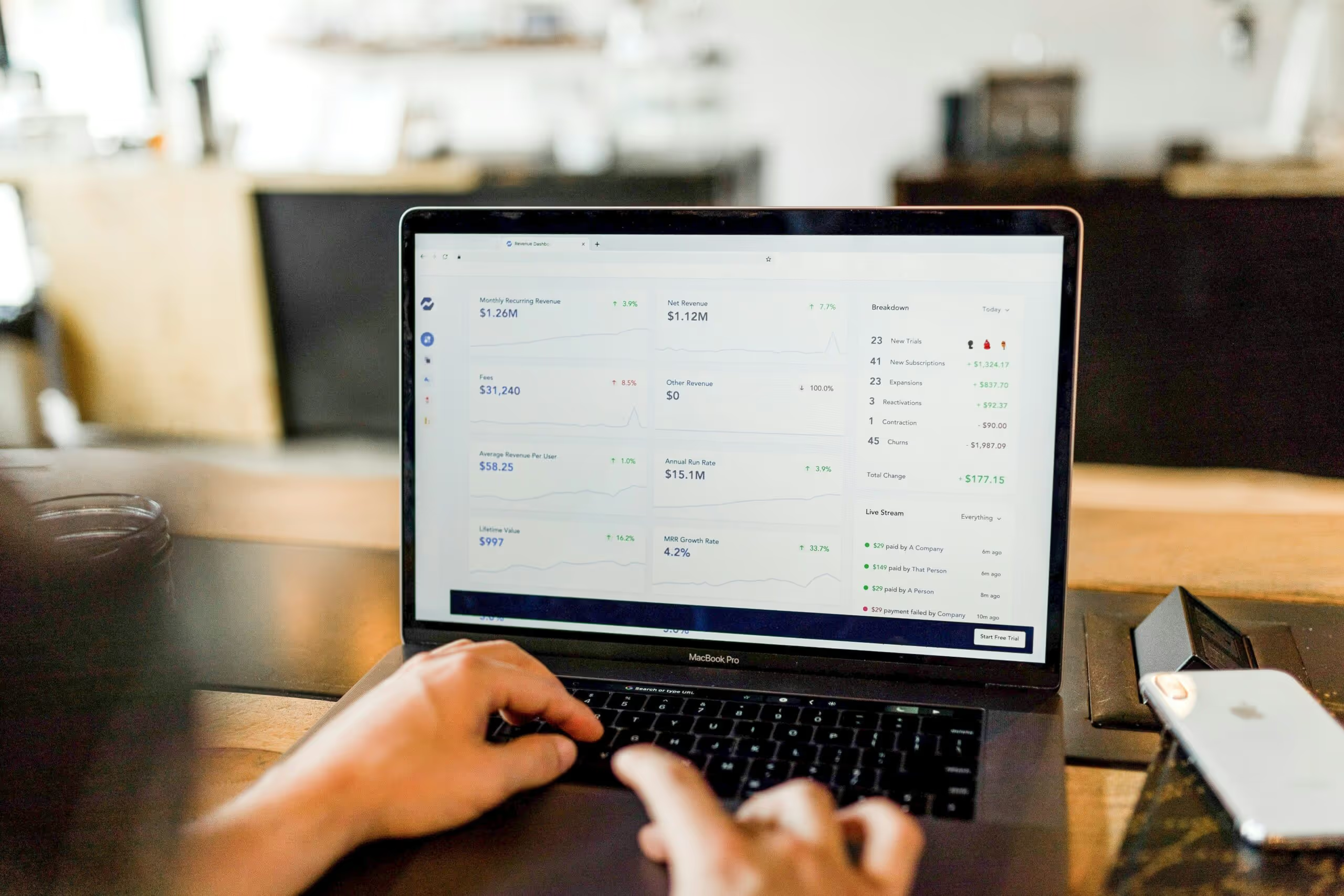
April 3, 2024
Are You Taking Advantage of Accounting Automation in your E-commerce, Retail, or Restaurant Business?
For busy e-commerce, retail and restaurant businesses (and the accounting teams that serve them), e-commerce and point-of-sale (POS) accounting automation is...
Read More
No items found.






Blogs
Blogs

November 6, 2023
Bookkeep Names Accounting Veteran Alison Ball as Vice President of Marketing and Communications
Former Intuit and Liscio Senior Leader Will Drive Strategy to Increase Awareness and Adoption Among Accountants and Bookkeepers for the Revenue & Sales Tax A...
Read More
No items found.
Blogs
Blogs
June 26, 2023
Bookkeep and Zoho Books Partner to Offer Revenue Automation to Its Growing Community of Accountants and Small Businesses
Additional Integrations with Clover, Toast and MindBody Strengthen Bookkeep’s Position As the Market Leader in Automated Ecommerce Accounting St. Louis, Mo. ...
Read More
No items found.
Blogs
Blogs

April 26, 2023
Specialization: A Solution for Reducing Burnout & Attrition Among Tax & Accounting Professionals
SUMMARY In this column for Thomson Reuters, Jason makes the case for why tax & accounting firms should consider switching to a specialization-focused service...
Read More
No items found.

Blogs
Blogs
March 1, 2023
Bookkeep Introduces New Sales Tax Automation To Provide Retailers Complete Revenue Accounting Services
The Bookkeep and DAVO by Avalara integration will enable clients to automatically set aside sales tax, file and make payments, eliminating tedious manual wor...
Read More
No items found.