Blogs
Stocky is going away. Here's what to actually look for in a replacement.
Shopify is retiring Stocky on August, 31st, 2026 and you're now shopping for a replacement. This post is the checklist we wish existed: what to evaluate, what to ignore, and the questions to ask any vendor (including us) before you commit.
July 13, 2026
0
min reading time
%20%C2%B7%20Shopify%202026-07-13.gif)

Blogs
Shopify is retiring Stocky on August, 31st, 2026 and if you're one of the thousands of independent retailers who quietly ran your purchasing on it for years, you're now shopping for a replacement you never wanted to need.
We've been talking to Stocky users every week, and one retailer described the situation better than we could: she felt "between a rock and a hard place." The apps that come up when you search for a replacement are either full inventory-management platforms built for warehouses and 3PLs — priced accordingly — or lightweight tools that are missing one of the three things she actually used every day.
This post is the checklist we wish existed: what to evaluate, what to ignore, and the questions to ask any vendor (including us) before you commit.
What Stocky users actually used
Stocky could do a lot, and different stores used it in very different ways. But for most independent retailers — the boutique, the toy store, the coffee roaster with a retail counter — the daily workload came down to three workflows:
- Purchase ordering — creating POs for your suppliers, with current costs.
- Receiving — checking product in when it arrives, usually with a barcode scanner at the register.
- Counting — periodic stock takes, often just once a year.
If that describes you, write those three down. That's your requirements list. Everything else — demand forecasting, multi-warehouse transfer orders, 3PL syncing — is a feature you'll be paying for and navigating around, not using.
The trap: replacing a free tool with a platform
The biggest risk in this migration isn't picking a tool that's missing a feature. It's over-buying: replacing a free, focused tool with a $200+/month inventory platform because its comparison chart had the most checkmarks.
Bloat has a real daily cost. Every workflow in a big platform has more screens, more settings, and more concepts (bins, zones, wave picking) that exist for operations ten times your size. Your staff has to learn it. And when the PO screen is buried under a warehouse-management interface, the tool stops getting used.
The right question isn't "which replacement has the most features?" It's "which replacement does my three workflows with the least friction?"
The checklist: 7 questions to ask any Stocky replacement
1. When I create a PO, does it only show me products from that supplier? This was a longstanding Stocky annoyance — searching for a product showed your entire catalog, not just the vendor you were ordering from. If you carry a few thousand SKUs across dozens of suppliers, supplier-filtered search is the difference between a five-minute PO and a twenty-minute one. Watch this specifically in any demo.
2. Can my staff receive with a barcode scanner — without a separate login? Receiving happens at the counter, between customers, often by part-time staff. If receiving requires logging into a separate website (as Stocky did), it gets skipped and your counts drift. Look for a Shopify-native app that opens inside the Shopify admin your staff already uses, and confirm the scanner works directly on the receiving screen — scan an item and it should find the line, no clicking into a field first.
3. How do stock takes work? You need to scan or count, upload the results, and have Shopify inventory adjust. Once a year, maybe quarterly. It doesn't need to be fancy; it needs to not fight you.
4. Does my PO become a bill in QuickBooks automatically? Here's the sleeper question, and the one Stocky never answered. Your purchase order already contains everything your bookkeeper needs — vendor, line items, amounts, payment terms. In most stores, someone still retypes that invoice into QuickBooks Online by hand. If your replacement can push the received PO into QBO as a bill, you're not just replacing Stocky — you're deleting a second job you'd stopped noticing you were doing.
5. Will they migrate my data — including receiving history? Supplier records, cost history, receiving history: rebuilding these by hand is days of work, and losing cost history breaks your margin reporting. Ask specifically whether migration from Stocky is included, what it covers, and whether there's a deadline.
6. What are the contract terms? You're replacing a free tool under a deadline — the last thing you should accept is an annual lock-in from a vendor you haven't lived with. Month-to-month, cancel anytime, is the fair standard. (Our CEO ran retail stores before Bookkeep and got burned by enough locked-in software contracts that we simply don't do them.)
7. What does it cost at your size? Get the real number for your revenue tier, not the "starting at" price. And compare it honestly against what Stocky cost you: nothing in subscription fees, but something in workarounds, double entry, and separate logins.
Where Bookkeep fits — including what we don't do
We built Bookkeep Inventory as a Stocky replacement for exactly the three core workflows above: ordering, receiving, and counting. It's Shopify-native (no separate login), receiving supports barcode scanning directly on-screen, POs can be built by supplier-filtered search, CSV import, or duplicating a previous order — and because accounting automation is our core business, a received PO can post to QuickBooks Online as a bill automatically.
In the spirit of question-asking, here's the honest scoping:
- Predictive ordering isn't in it today. Stocky's demand-forecasting features are on our roadmap, not in the current app. If forecasting was your primary Stocky workflow, we're not your replacement yet.
- Retail price edits happen in Shopify. Stocky let you adjust retail prices while building a PO; in our app, price changes are made in Shopify itself, where your catalog lives.
- It's not free. Stocky was. Standalone, our inventory app starts at $49/month, and it's included with our accounting plans. If all you need is a PO tool and the QuickBooks connection isn't interesting to you, there may be cheaper single-purpose options — we'd rather tell you that here than after you've migrated.
Migration: we're migrating Stocky data — supplier records and receiving history — free for anyone who signs up by July 31. After that it may still be possible, but we can't promise the white-glove treatment.
The deadline math
Whatever you choose, don't run this migration in December. You want your replacement installed, your suppliers migrated, and your staff comfortable receiving on it well before Q4 buying starts. Working backward, that means picking a tool in the next few weeks.
Start a free trial or if you want to see the receiving and PO workflow live first, book 15 minutes with us.

%201.svg)
You may also be interested some of our other

Blogs
Blogs
July 27, 2026
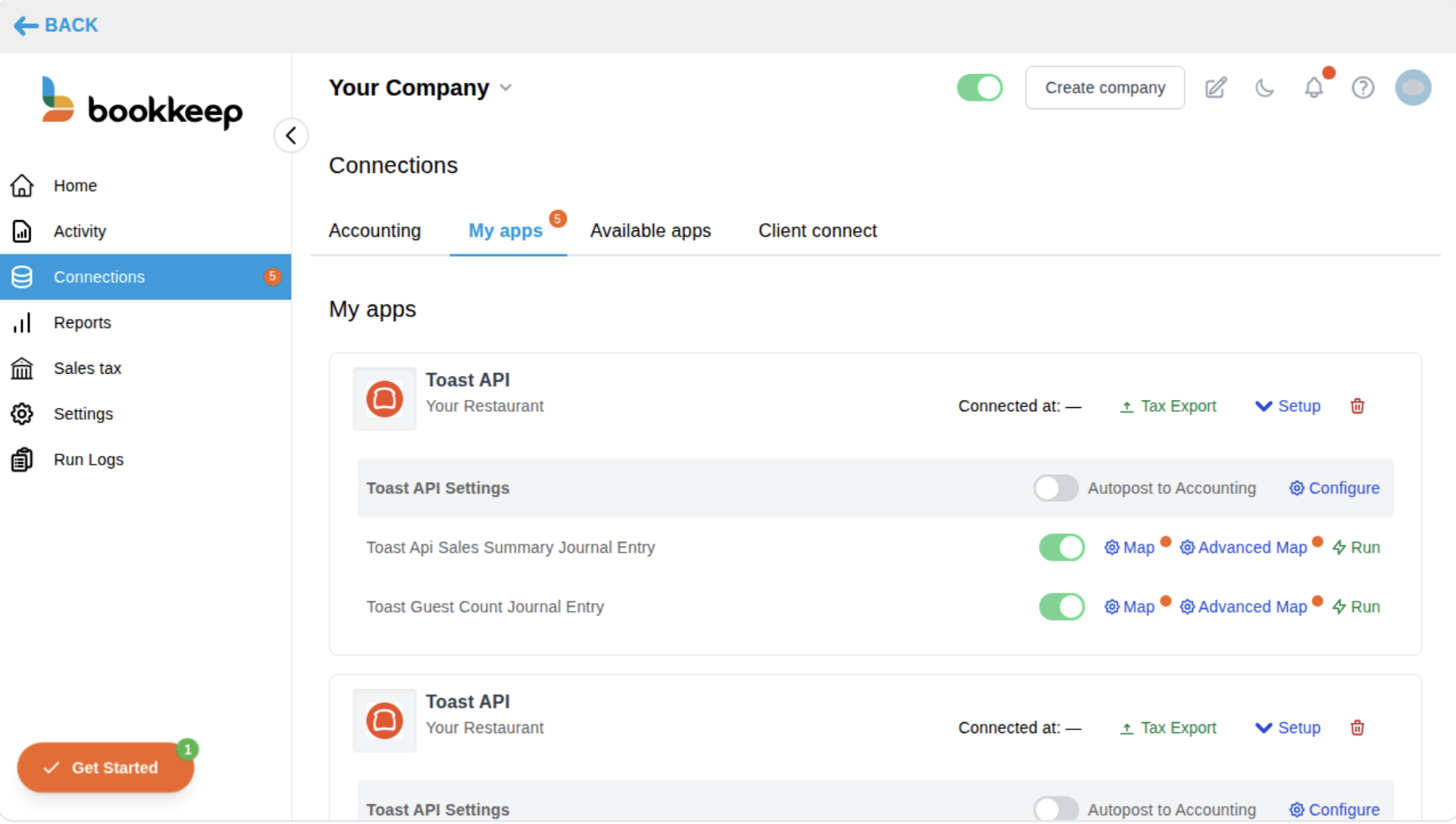
Calculate Revenue Per Guest with Bookkeep's New Guest Count Journal Entries
Bookkeep can now post the guest count reported by your Toast locations to your accounting platform as its own journal entry — automatically, every night, right alongside your existing Toast sales summary postings.
Read More
No items found.
Blogs
Blogs
July 13, 2026
Stocky is going away. Here's what to actually look for in a replacement.
Shopify is retiring Stocky on August, 31st, 2026 and you're now shopping for a replacement. This post is the checklist we wish existed: what to evaluate, what to ignore, and the questions to ask any vendor (including us) before you commit.
Read More
No items found.
Blogs
Blogs

April 16, 2026
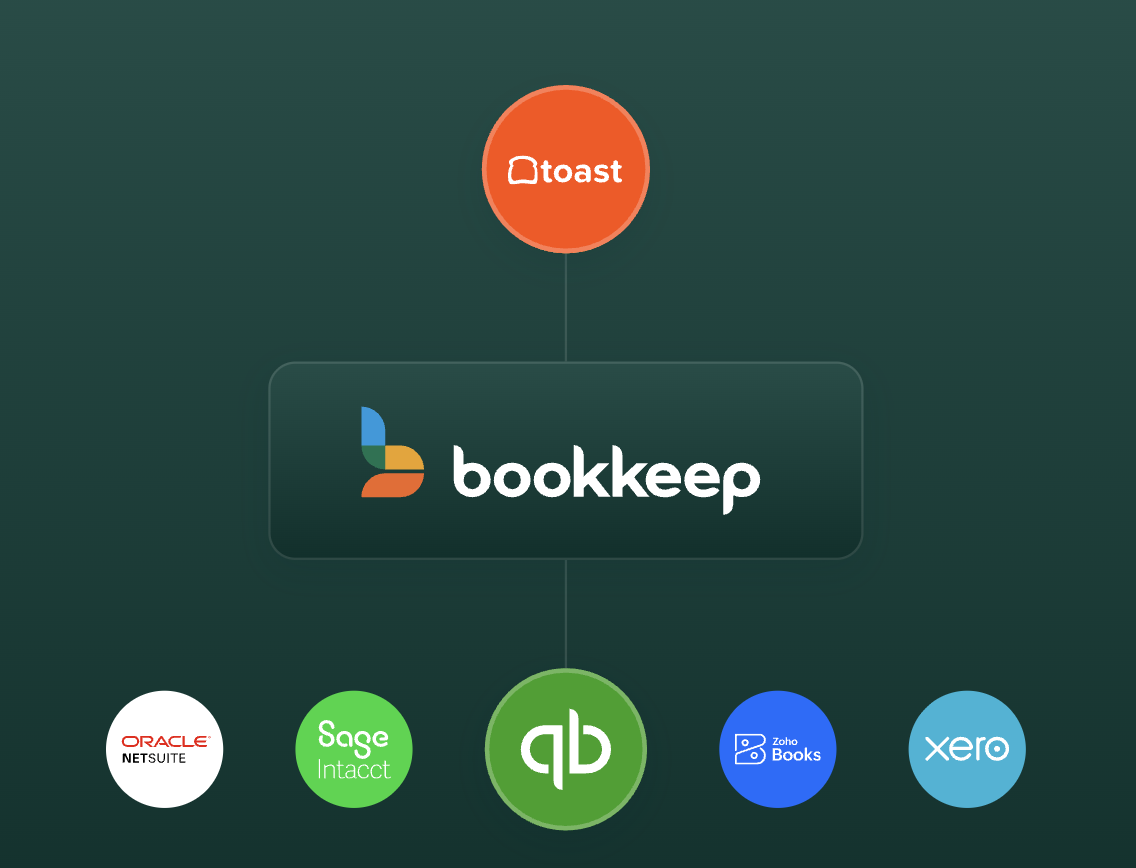
Bookkeep Launches Integration with Dutchie to Automate Revenue Accounting and Deliver Accurate Financials to Cannabis Retailers
Bookkeep connects your Dutchie POS system to your accounting platform, automating daily journal entries for sales, COGS, refunds, and more — delivering accurate, accrual-based financial records without manual data entry.
Read More
No items found.
Blogs
Blogs
February 12, 2026
Introducing Sales Tax Registrations: Guided Sales Tax Registration with Ongoing Filing Support
Bookkeep now guides merchants through state sales tax registrations and then manages ongoing filing and remittance — ensuring accurate, compliant setup from day one.
Read More
No items found.
Blogs
Blogs
February 12, 2026
Managed COGS for Walmart: Accurate Gross Margins Without an Inventory System
Walmart sellers can now input product costs directly within Bookkeep to automate COGS posting and improve gross margin reporting — without needing a standalone inventory management system.
Read More
No items found.
Blogs
Blogs

December 17, 2025
2025 Bookkeep Year in Review: Top Product Launches For Financial Clarity
Here's a rundown of all of the major product features we shipped in 2025, all with one goal in mind: helping finance teams reconcile faster, close with confidence, and scale without adding complexity.
Read More
Accounting
Strategy & Growth
Operations
Blogs
Blogs
December 8, 2025
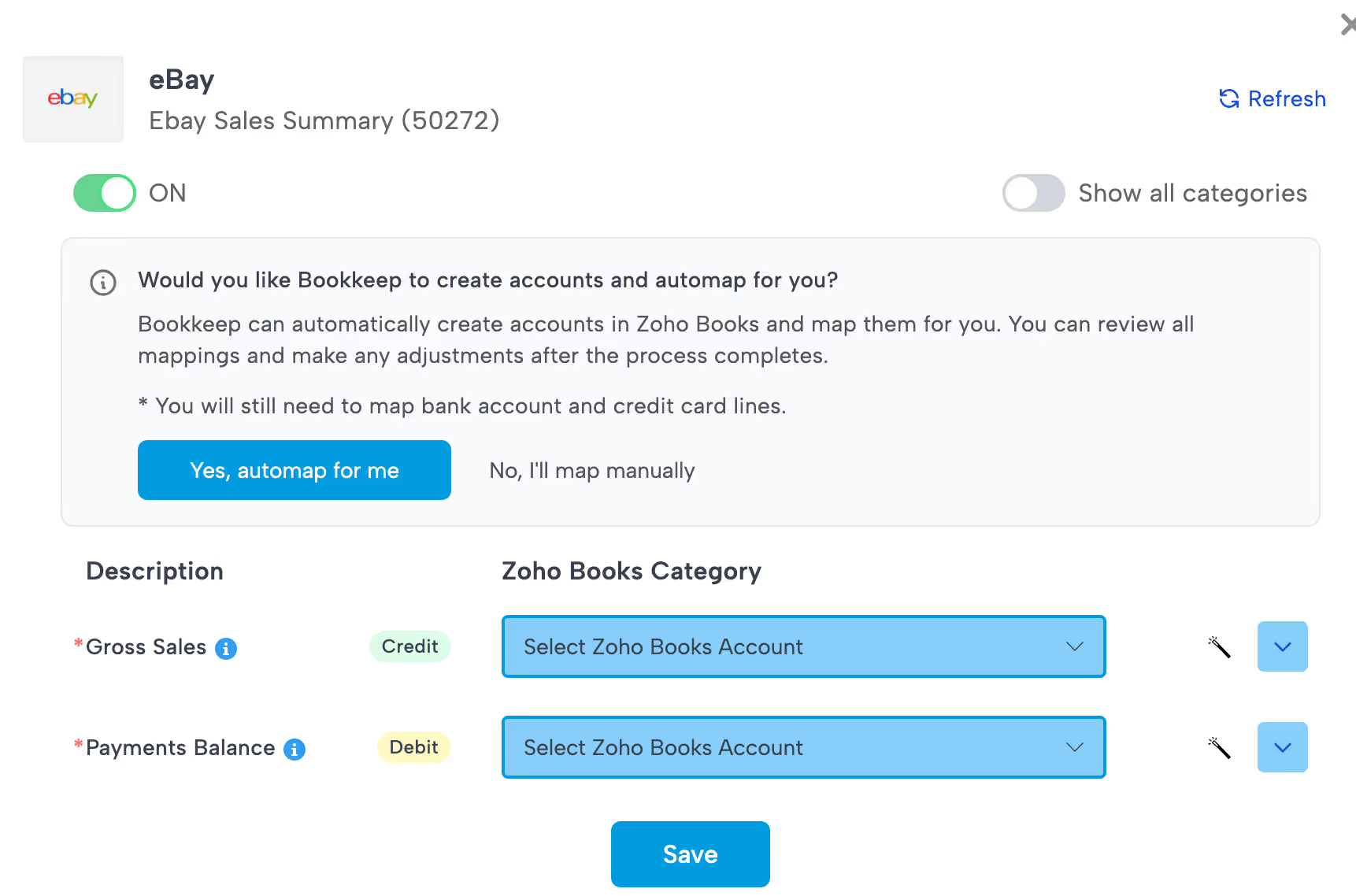
Save Hours on Setup with Bookkeep’s Chart of Accounts Automap Feature
The Chart of Accounts Automap feature from Bookkeep is more than just a convenience — it’s a real productivity and accuracy booster. For any ecommerce brand, retail store or accounting team using Bookkeep (with QuickBooks, Xero, or Zoho Books), this feature removes one of the biggest setup pains: manually building and mapping a clean chart of accounts. With Automap, you get a faster, more consistent path to fully automated, daily bookkeeping.
Read More
Accounting
Operations
Blogs
Blogs
July 14, 2025
Why Shopify Retailers Need Agencies to Migrate and Optimize Their Shopify POS Setup
For brick-and-mortar retailers making the leap to Shopify POS, the transition is about much more than just swapping out cash registers. It’s a strategic shif...
Read More
Operations
Strategy & Growth
Blogs
Blogs

July 8, 2025
Why Specialized Accounting Firms Are Winning Shopify and Ecommerce Clients
Shopify accounting is a category of its own. Firms that specialize—and automate with Bookkeep—are scaling faster, serving better, and standing out. As an acc...
Read More
Accounting
Strategy & Growth
Industry Insights
Blogs
Blogs
June 30, 2025
June Product Updates — Smarter Shopify Setup, Flexible Square Reporting, and Zoho Vendor Mapping
At Bookkeep, we’re constantly evolving our platform to align more closely with how ecommerce and retail merchants work. This June, we’ve delivered updates th...
Read More
Operations
Customer Success
Accounting
Blogs
Blogs
June 26, 2025
From Fragmentation to Financial Clarity: How Bookkeep Supports Shopify’s Vision for Unified Commerce
Retail is undergoing a seismic shift. As Shopify’s latest report, “Retail’s Digital Transformation: From Integration to Unification,” makes clear, the future...
Read More
Industry Insights
Strategy & Growth
Accounting
Blogs
Blogs
June 17, 2025
The Ultimate Shopify Agency Technology Stack: What Multi-Million Dollar Brands Really Need to Scale
As Shopify merchants grow past seven figures in revenue, their needs go far beyond a sleek storefront. They’re managing complex operations—across ecommerce, ...
Read More
Strategy & Growth
Operations
Industry Insights
Blogs
Blogs
June 12, 2025
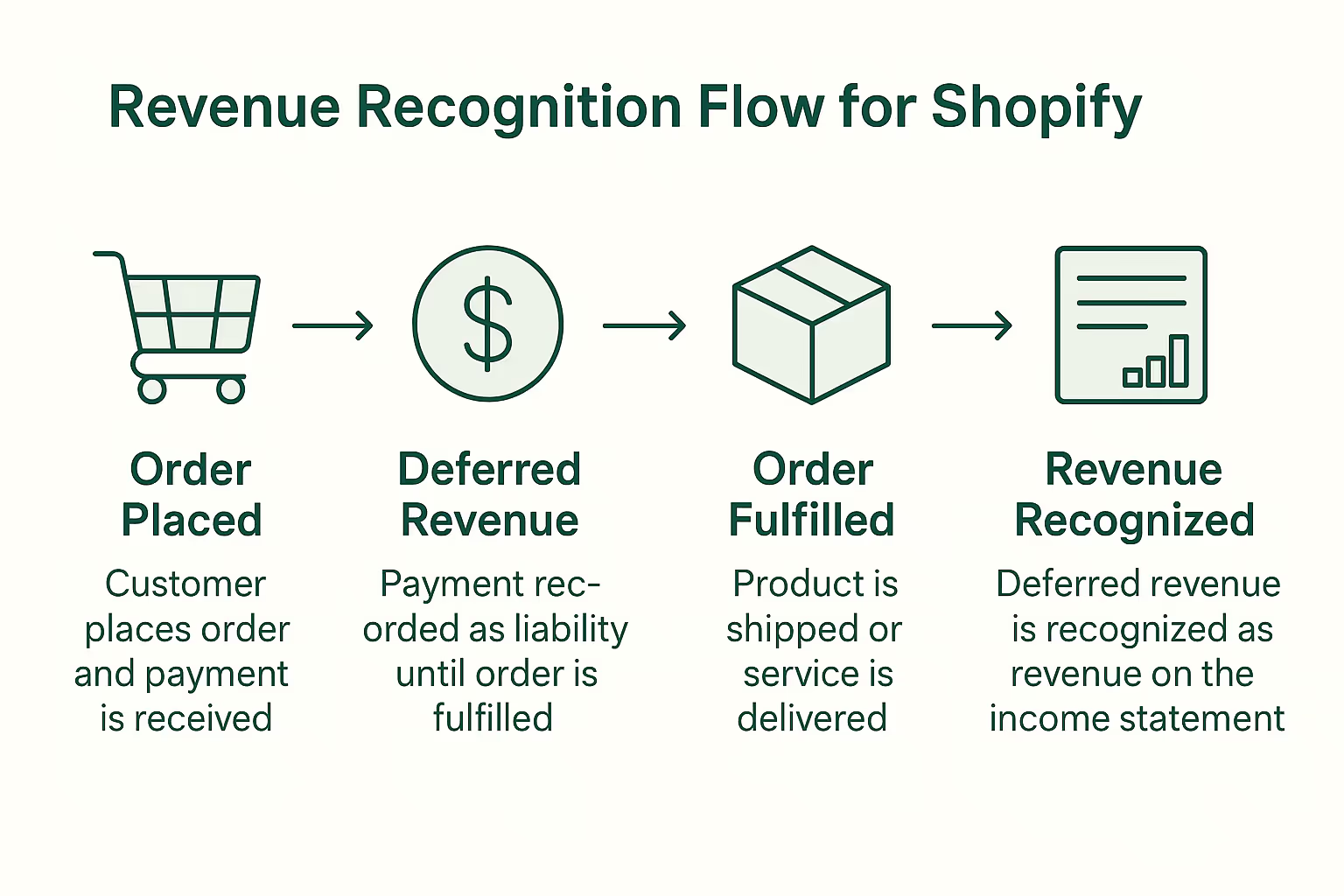
Revenue Recognition Best Practices for Shopify Brands: Stay Compliant & Confident
For fast-growing Shopify brands, understanding when and how to recognize revenue is more than an accounting technicality—it’s essential for compliance, cash ...
Read More
Accounting
Compliance & Legal
Industry Insights

Blogs
Blogs
June 5, 2025
Meet Our Trusted Shopify Agency Partners: Powering Financial Clarity for Merchants
At Bookkeep, we believe in empowering Shopify merchants with seamless, accurate accounting automation. But we know financial clarity doesn’t happen in a vacu...
Read More
Customer Success
Strategy & Growth



Blogs
Blogs

May 22, 2025
Bookkeep Recognized by Gartner with Multiple 2025 Awards for Integration Category And More
NEW YORK, NY, UNITED STATES, May 22, 2025 -- We are excited to share that Bookkeep , an accounting automation solution has been recognized with multiple awar...
Read More
Customer Success
Industry Insights

Blogs
Blogs
May 6, 2025
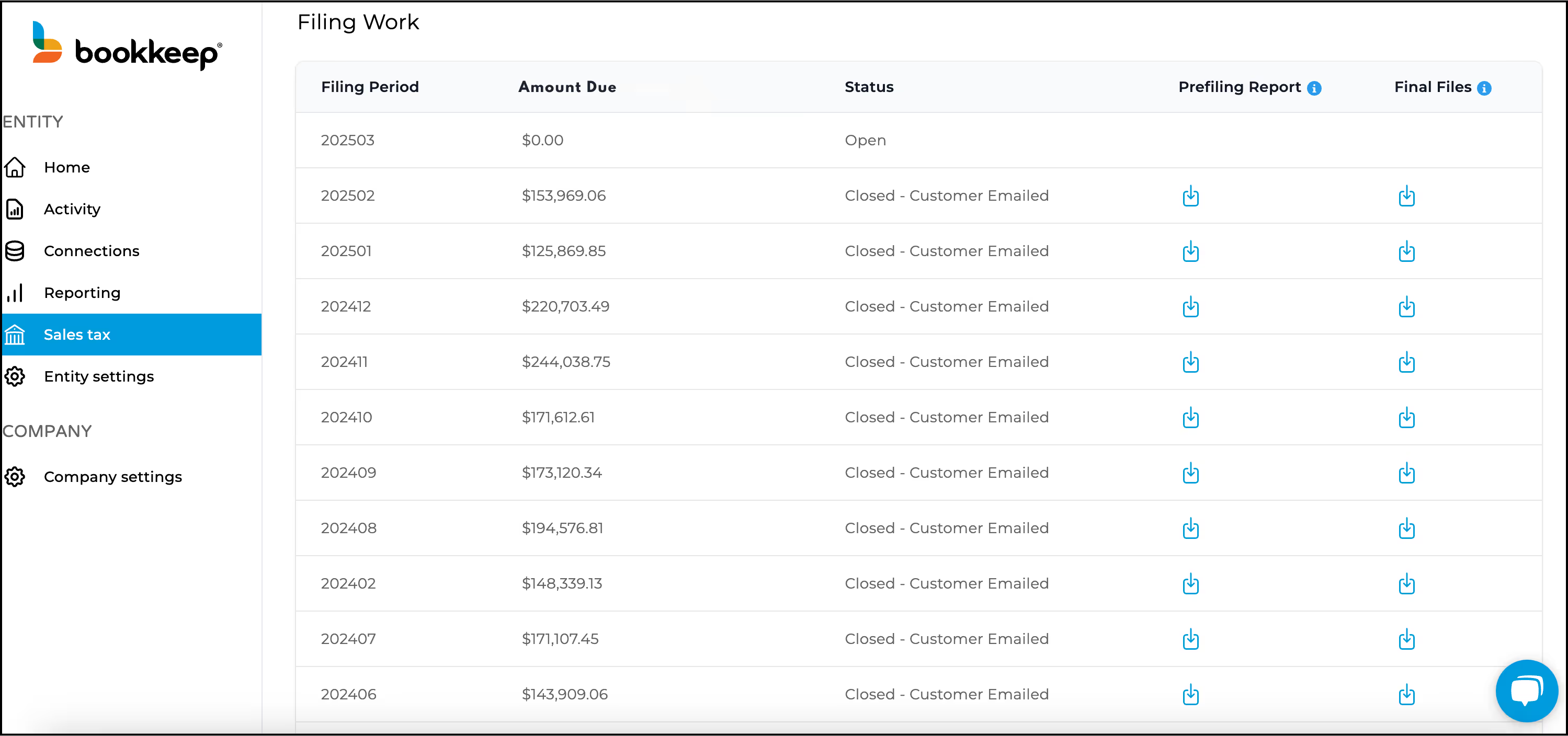
Accounting Automation: The Secret Weapon for Stress-Free Sales Tax Filings in Ecommerce and Retail
For ecommerce and retail brands, managing sales tax isn't just tedious—it’s a growing liability. With sales across multiple states, platforms, and tax jurisd...
Read More
Compliance & Legal
Accounting









Blogs
Blogs

September 18, 2024
Take Control of Your Books: Meet Our New Features for Shopify and Square Accounting Automation
As CFOs and accounting teams know, keeping books clean and accurate for Shopify and Square merchants can be a time-consuming, manual effort. Between reconcil...
Read More
No items found.

Blogs
Blogs
July 15, 2024
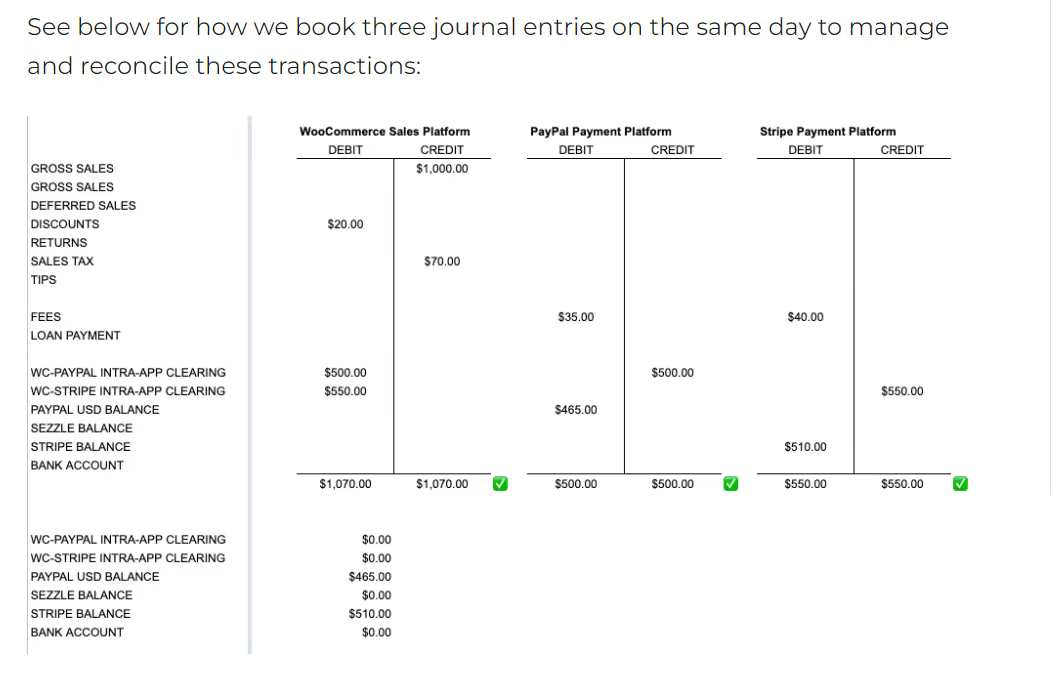
How to Avoid Double-Booking Revenues, when Using Shopify (or WooCommerce, or Amazon) and PayPal Together
Shopify and PayPal play so nicely together. Or, do they? The short answer is “Yes, they do”, but the longer more nuanced answer is that companies that use th...
Read More
No items found.

Blogs
Blogs

June 18, 2024
Bookkeep Opens New Office in Victoria, British Columbia To Better Serve Its Growing Canadian Customer Base
Brooklyn, NY (June 18, 2024) – Bookkeep, the leading revenue accounting and sales tax automation platform for unified commerce, today announced plans to open...
Read More
No items found.
Blogs
Blogs

June 15, 2024
Getting Shopify Sales Detail into QuickBooks Online: Best Practices to Strike the Right Balance
It's a given that in order to understand the business and to be able to make good business decisions, the business owner, CFO, or financial advisor needs dat...
Read More
No items found.





Blogs
Blogs

April 3, 2024
Are You Taking Advantage of Accounting Automation in your E-commerce, Retail, or Restaurant Business?
For busy e-commerce, retail and restaurant businesses (and the accounting teams that serve them), e-commerce and point-of-sale (POS) accounting automation is...
Read More
No items found.






Blogs
Blogs
November 6, 2023
Bookkeep Names Accounting Veteran Alison Ball as Vice President of Marketing and Communications
Former Intuit and Liscio Senior Leader Will Drive Strategy to Increase Awareness and Adoption Among Accountants and Bookkeepers for the Revenue & Sales Tax A...
Read More
No items found.
Blogs
Blogs
June 26, 2023
Bookkeep and Zoho Books Partner to Offer Revenue Automation to Its Growing Community of Accountants and Small Businesses
Additional Integrations with Clover, Toast and MindBody Strengthen Bookkeep’s Position As the Market Leader in Automated Ecommerce Accounting St. Louis, Mo. ...
Read More
No items found.
Blogs
Blogs

April 26, 2023
Specialization: A Solution for Reducing Burnout & Attrition Among Tax & Accounting Professionals
SUMMARY In this column for Thomson Reuters, Jason makes the case for why tax & accounting firms should consider switching to a specialization-focused service...
Read More
No items found.

Blogs
Blogs
March 1, 2023
Bookkeep Introduces New Sales Tax Automation To Provide Retailers Complete Revenue Accounting Services
The Bookkeep and DAVO by Avalara integration will enable clients to automatically set aside sales tax, file and make payments, eliminating tedious manual wor...
Read More
No items found.